


BlogCache Proxy(Mac)

Cache Proxy(Mac)

omegaproxy 2025-06-24 15:54:46 cập nhật
omegaproxy 10733 kiểm tra
omegaproxy 5 phút để đọc

1. Overview

Caching proxy function: cost reduction and efficiency improvement, fast response
  1. Reduce the pressure on the target server: The system automatically caches successful request results. For the same request, the cache is preferentially called to avoid repeated access to the target site.
  2. Same-day request reuse: If the new request is the same as the request that has been processed on the same day, the cached data will be directly returned, and the response speed will be significantly improved.
  3. Cost optimization: Enable caching to enjoy resource usage fee discounts (see the service agreement for details).

2. Steps

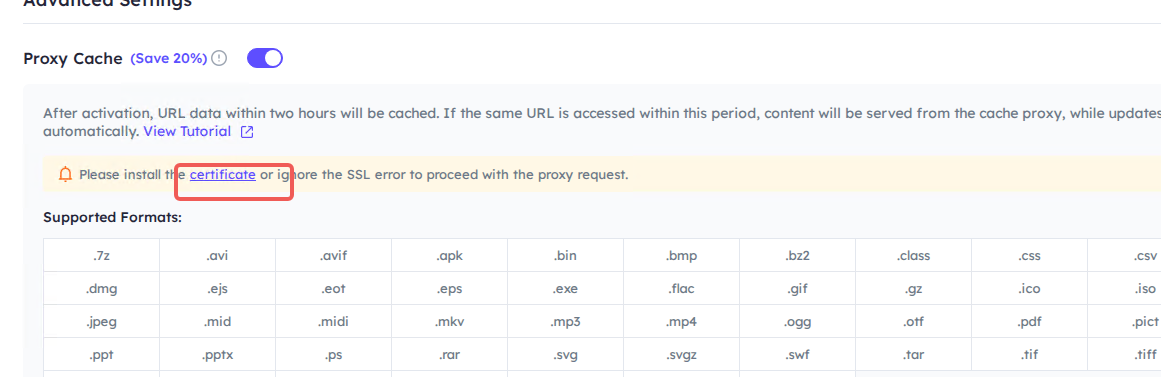
Step 1 Make sure you have downloaded the certificate and stored it properly. Download certificate
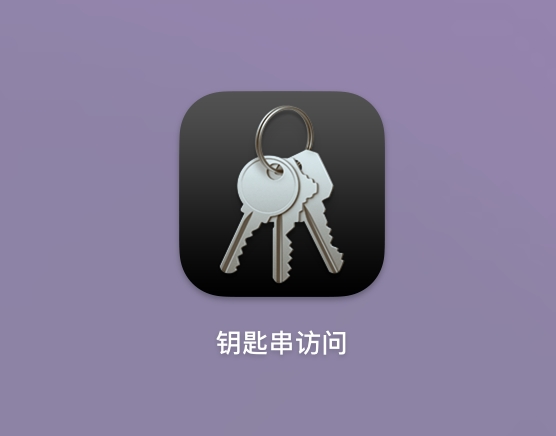
Step 2 Open " Keychain Access " ( in Applications > Utilities ).
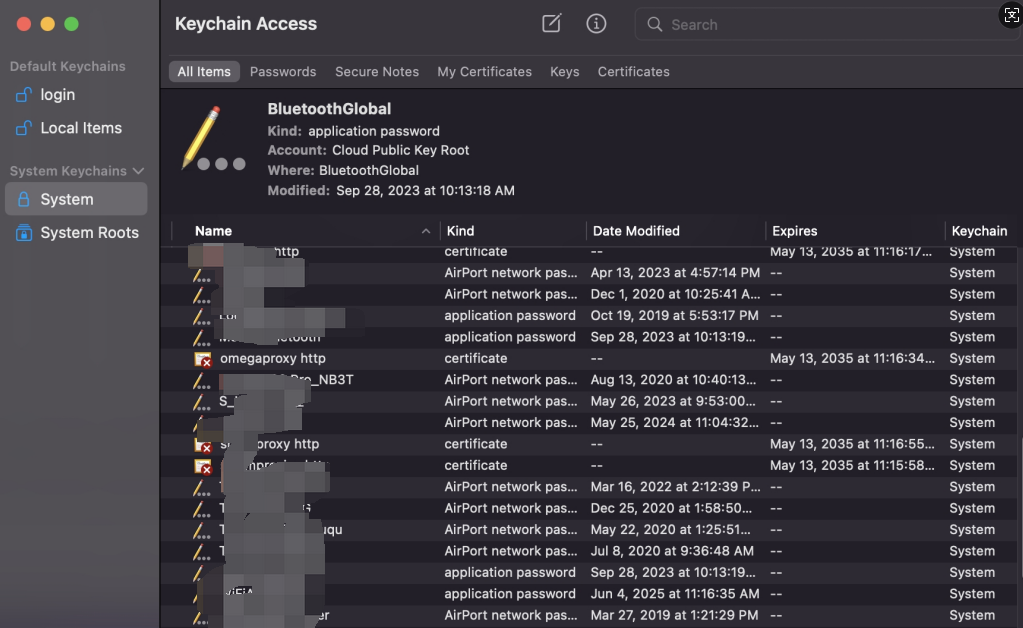
Step 3 Select "System" in the upper left corner, and the category is "Certificate".
Step 4. Drag the certificate or click "File > Import Project" to import.
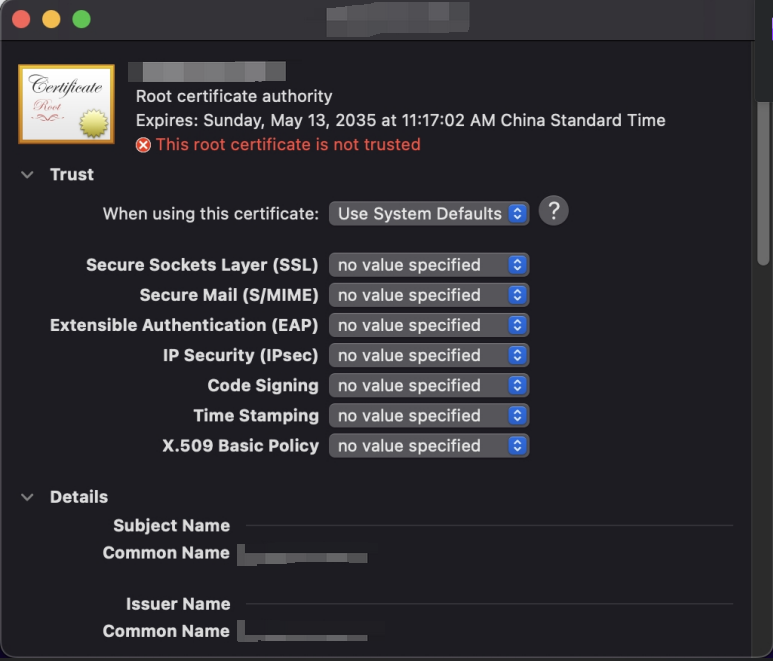
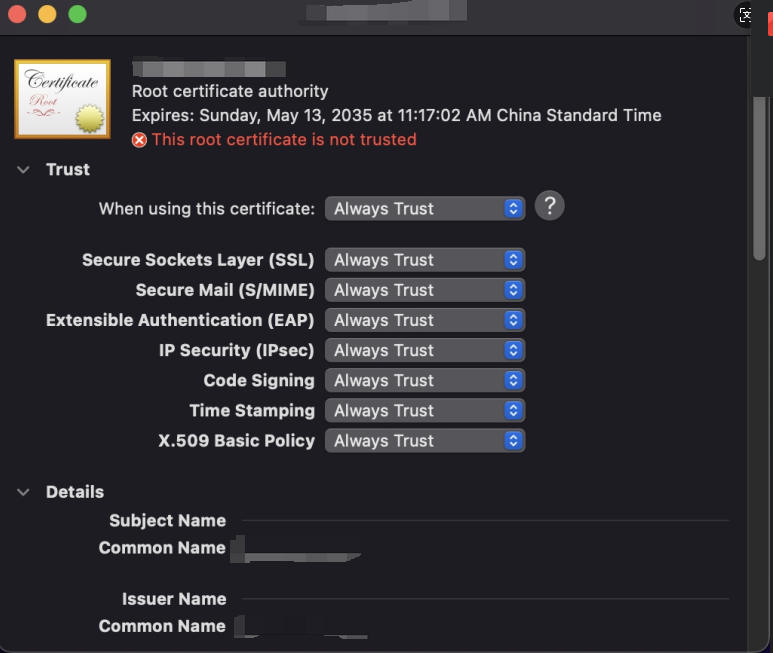
Step 5 Double - click the certificate, set it to "Always Trust", and then close the window.
Step 6 The system prompts you to enter your password to confirm the change.
Step 7 Open the browser to access the certificate service and verify whether it is successful.
Omegaproxy.com © 2023 Mọi quyền được bảo lưu
Vì lý do chính sách, dịch vụ này không có sẵn ở Trung Quốc đại lục.