





Residential Proxy HOT
HOT
HOTHumanized crawling, no IP shielding.Enjoy 90M real IPs from 220+ locations


2025-04-21 17:50:52
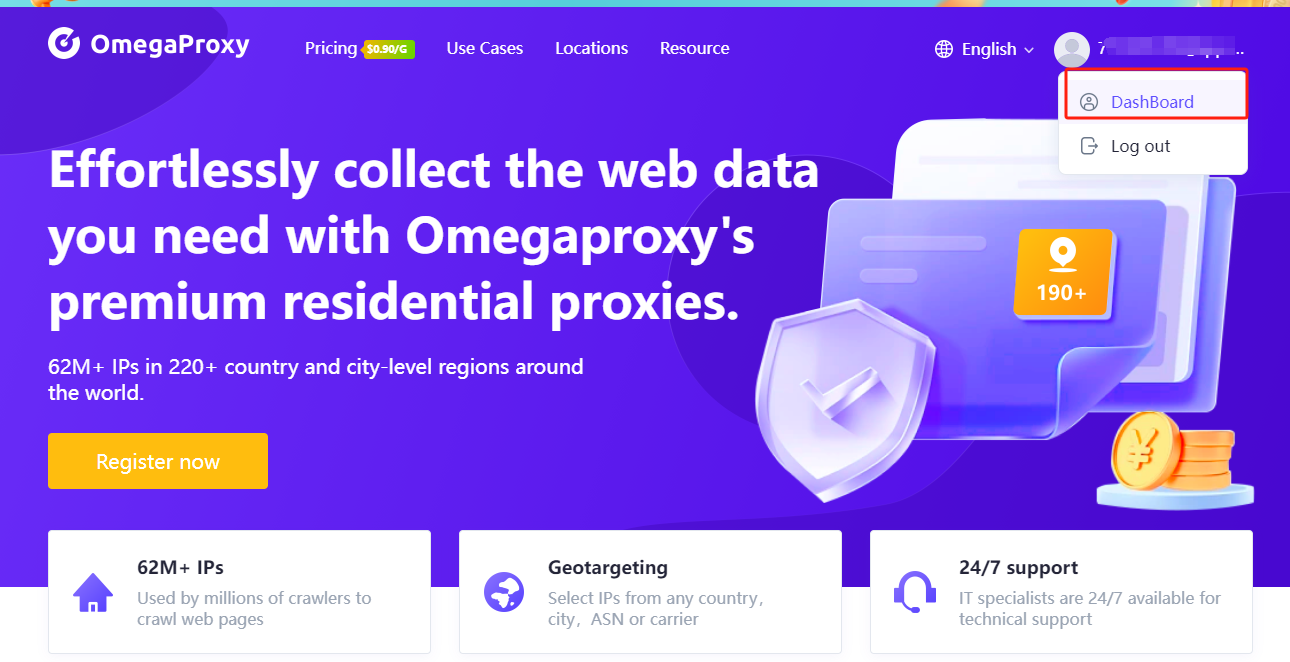
1. Open the Dashboard under your avatar.
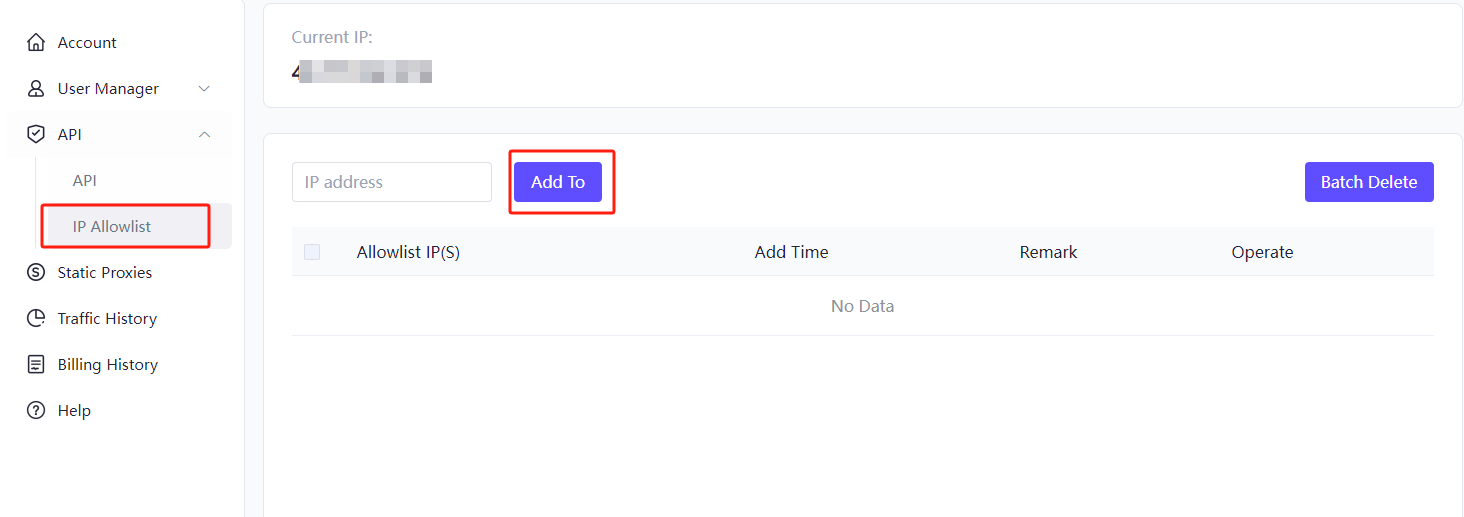
2. Click "IP Allowlist" to add your IP address to the allowlist.
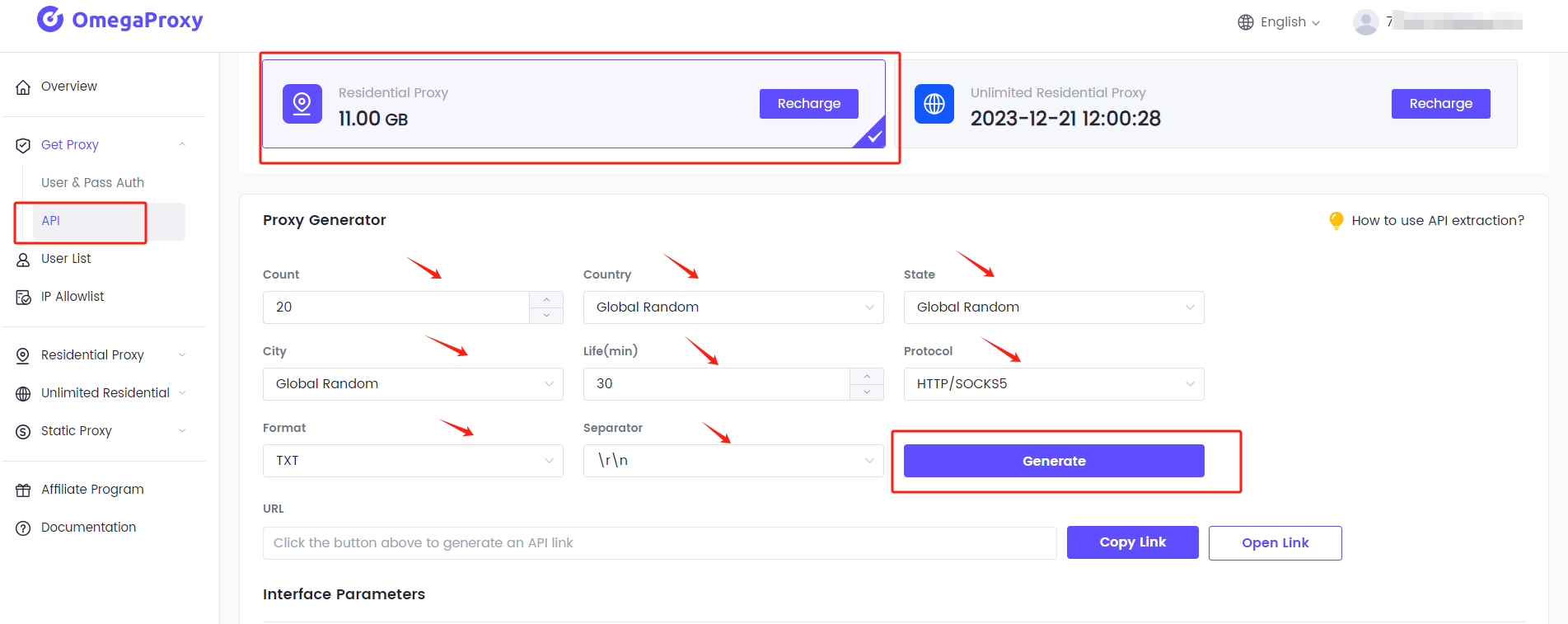
3. Click API, and select count, country, state, city, life, protocol, format, and separator, then click “Generate.”
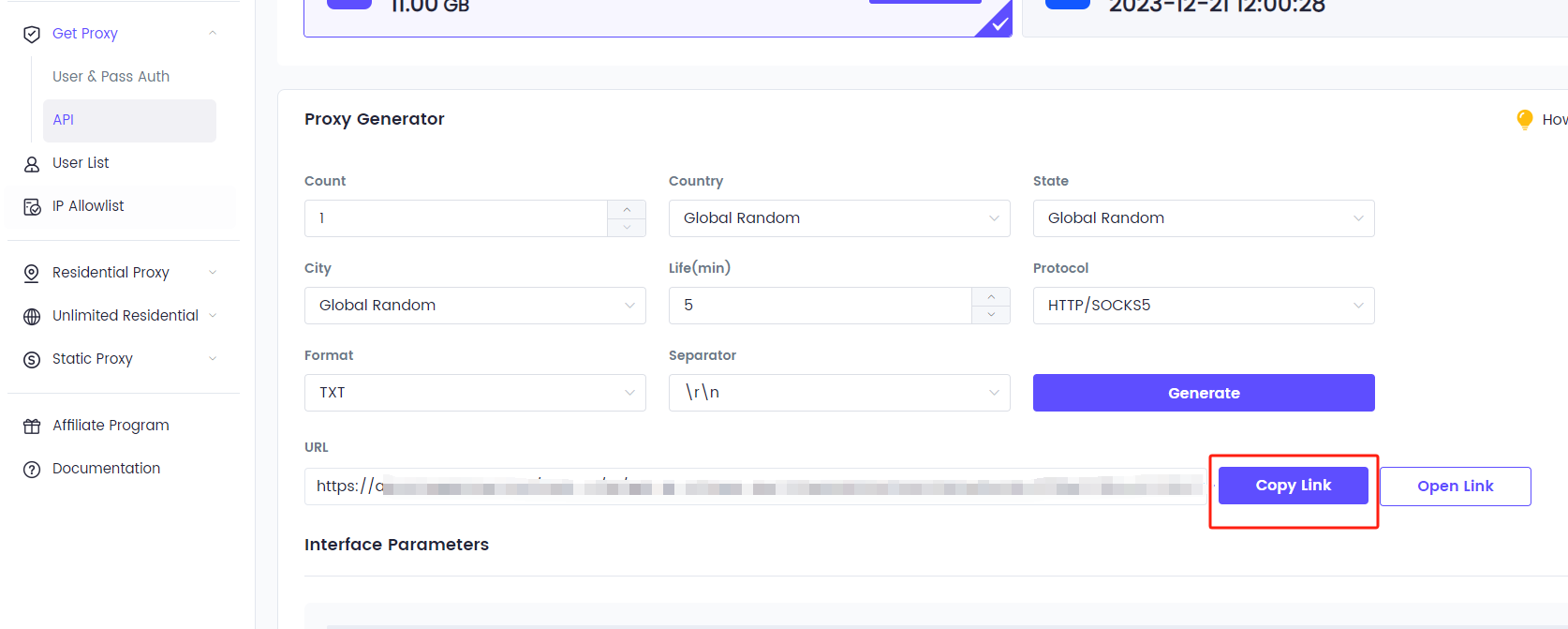
4. You will then see a generated URL, and you can copy the link.

One of the best proxies. More than 90 million IPs are active worldwide. Select an IP address from any country or city.





