





住宅代理 最热
最热
最热人性化爬行,无IP屏蔽。享受来自220多个地点的9000万个真实ip


2025-04-21 17:50:52
Step 1
Step 2
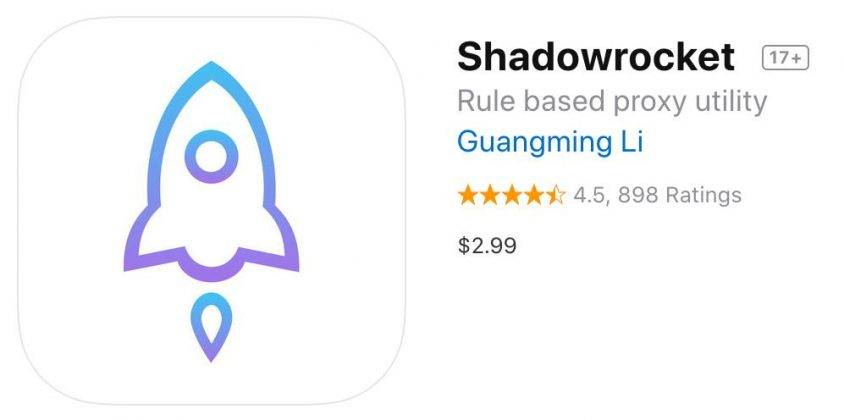
Go to appstore, search for "shadowrocket" to download and install
Step 3
Add proxy settings
Shadowrocket > + > Type > address > port >√
1. Start by opening Shadowrocket
2. Click + to add proxy
3. Click Type and select Socks5
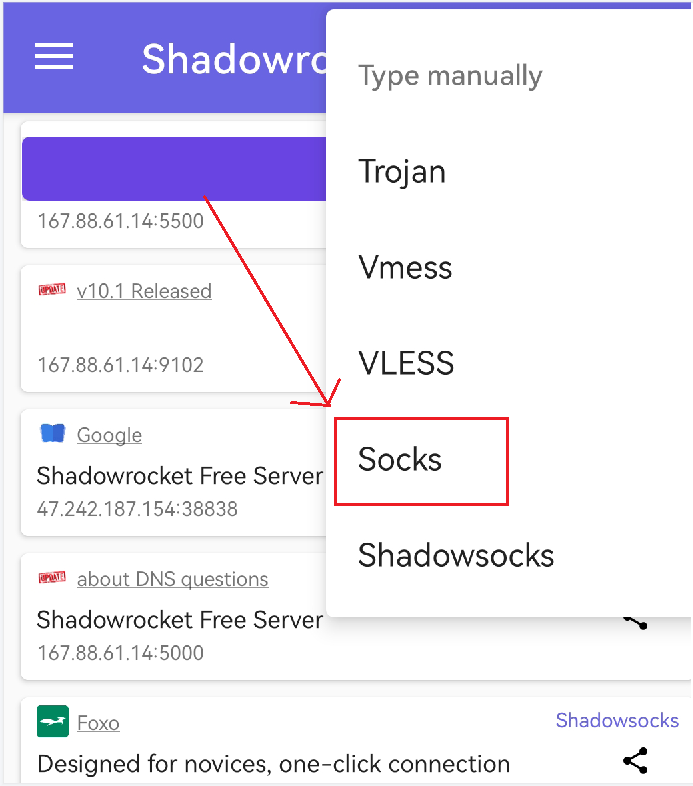
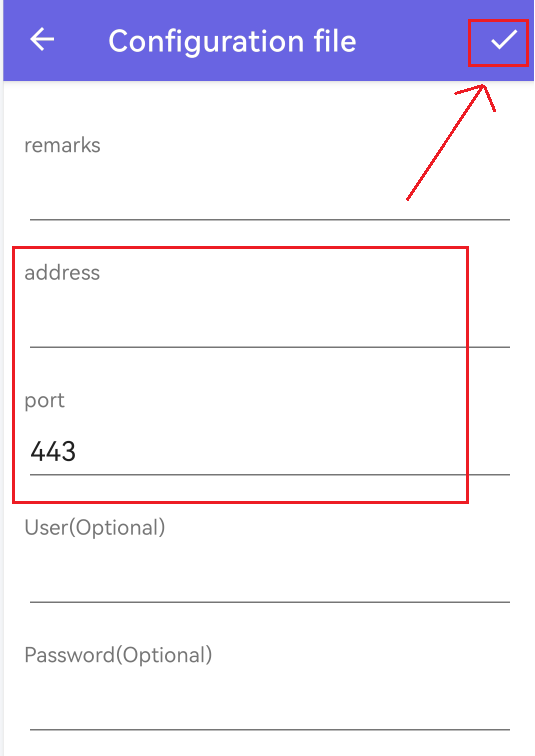
4. Fill in the proxy address and port
5. Click Finish to return to the homepage of Shadowrocket
6. Click Connection Test to test the proxy, and then you can access the target program normally.

最好的代理之一。全球活跃的IP超过9000万。选择任意国家或城市的IP地址。





